

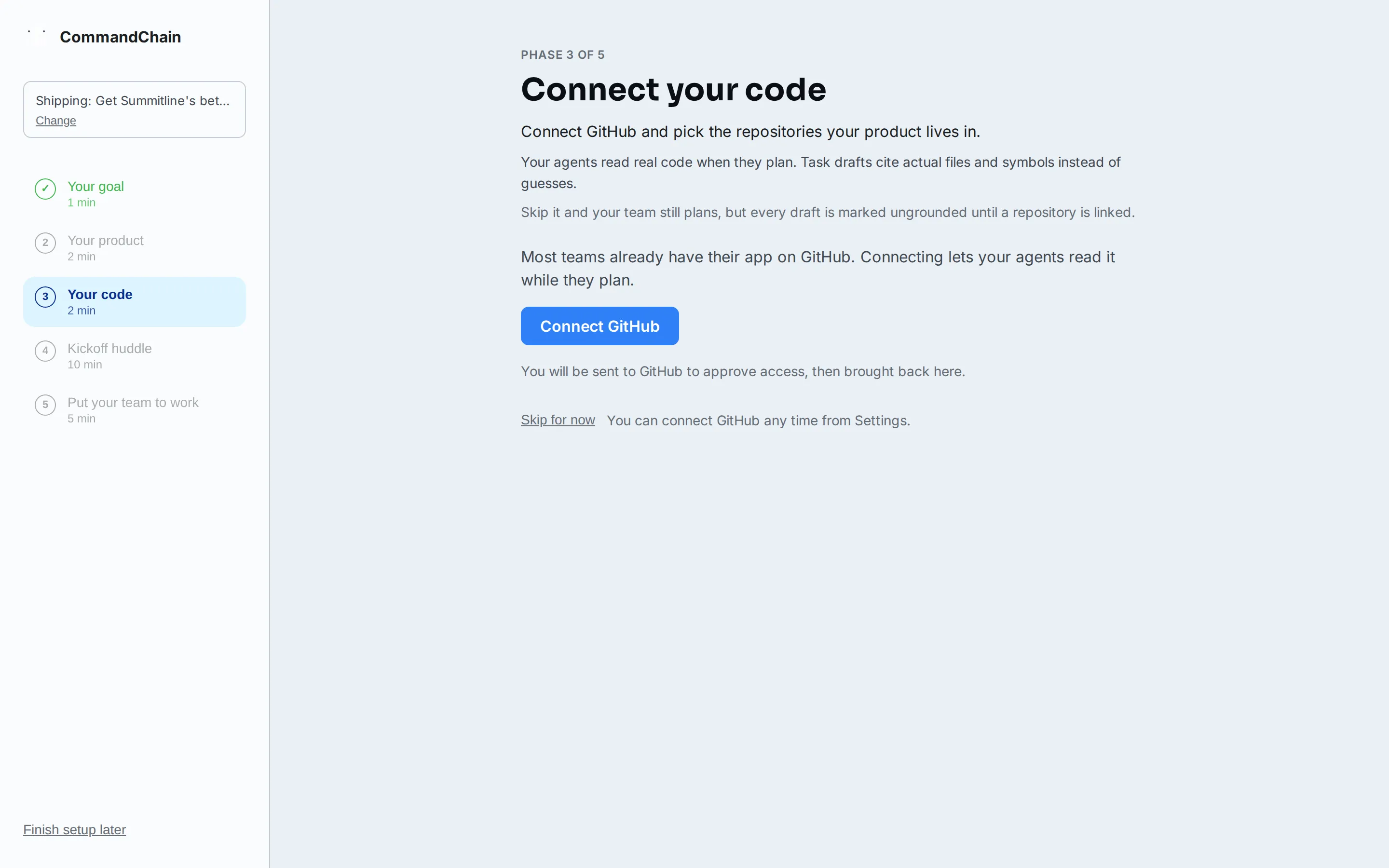
Connect your code
Connect your code is the setup phase between your product and your first huddle. It does two things: installs the GitHub App for your workspace, and links the repositories your product lives in to your first project. With a repository linked, your agents read real code when they plan, so the task drafts from your kickoff cite actual files and symbols instead of guesses.
The phase is optional and it says so on screen. Skipping costs you nothing permanent: everything here can be done later, and this page covers both ways back in.
What you’ll need
Section titled “What you’ll need”- A GitHub account with access to the repositories your product lives in.
- Admin rights on the GitHub organization or account, because installing an app is an account-level grant. Without them, the installation waits for an org admin’s approval, and you can skip and return.
Connect and link
Section titled “Connect and link”-
Connect GitHub
Section titled “Connect GitHub”Select Connect GitHub. You are sent to GitHub’s own installation screen to approve access, then brought back to the wizard.
On GitHub, pick the account or organization to install into, then choose which repositories the app may see. Selected-repository access is the safer default, and you can widen it later on GitHub’s side. The grant asks for three permissions; connect repositories explains each one and exactly what agents may and may not do with your code.
-
If your organization requires approval
Section titled “If your organization requires approval”Some GitHub organizations require an org admin to approve new apps. When that happens, the wizard says so and there is nothing more you can do in the moment: skip the phase, and link repositories once the app is approved. The re-entry paths below work whenever the approval lands.
-
Link a repository
Section titled “Link a repository”Back in the wizard, search your repositories and select Link repository on the one your product lives in. Only repositories the GitHub App can access appear here, so an empty list means the grant needs widening on GitHub.
The repository is linked to your first project, the same project your kickoff huddle plans in. You can link more than one, and you can link others later from any project’s Repositories tab.
-
Continue to your kickoff
Section titled “Continue to your kickoff”Once a repository is linked, the wizard notices on its own and moves along. Nothing to save and nothing to confirm.
What linking changes
Section titled “What linking changes”- Task drafts are grounded. The drafts your kickoff huddle proposes are written against the real repository, so they name files that exist and patterns the code actually uses. Without a repository, drafts are written from the conversation alone and are marked ungrounded. See grounding for what that stamp means.
- Agents read code in huddles. In any huddle on that project, agents can browse, open, and search the linked repository while you talk, so an answer about your code comes from your code.
Skipping, and coming back
Section titled “Skipping, and coming back”Skip for now moves you straight on. A huddle without code is perfectly legitimate, and your team can plan either way; the kickoff screen will remind you with one line, No repository is linked yet, and offer Link a repository first to step back into this phase.
After setup, two permanent ways back in:
- Settings, then GitHub installs or completes the GitHub App for the workspace.
- A project’s Repositories tab links repositories to that project. Huddle screens that need a repository link straight to it.
Both are covered step by step in connect repositories.
Next steps
Section titled “Next steps”- Your first huddle: the kickoff that plans against what you linked.
- Connect repositories: permissions, security boundaries, and linking after setup.
- Quickstart: the whole setup arc in order.