

What is CommandChain
CommandChain is a remote control for the coding agents you already use. If you work with Claude Code, Codex or another coding agent CLI, CommandChain lets you start, watch and answer those agents from any browser or your phone, while they keep running on your own computer.
How it works
Section titled “How it works”You install the CommandChain app on your computer. It runs your agent CLIs in your own folders, with your own agent sign-ins, configuration, project instructions and tools. You drive them from any browser at app.commandchain.ai.
The work runs on your computer, so it keeps going when you close the browser tab or put your phone away. Come back later and the conversation is where the agent left it.
flowchart LR
B["Your browser or phone"] <--> C["CommandChain"]
C <--> A["CommandChain app on your computer"]
A <--> G["Your agent (Claude Code, Codex, ...)"]
G <--> F["Your project folder"]
What you can do
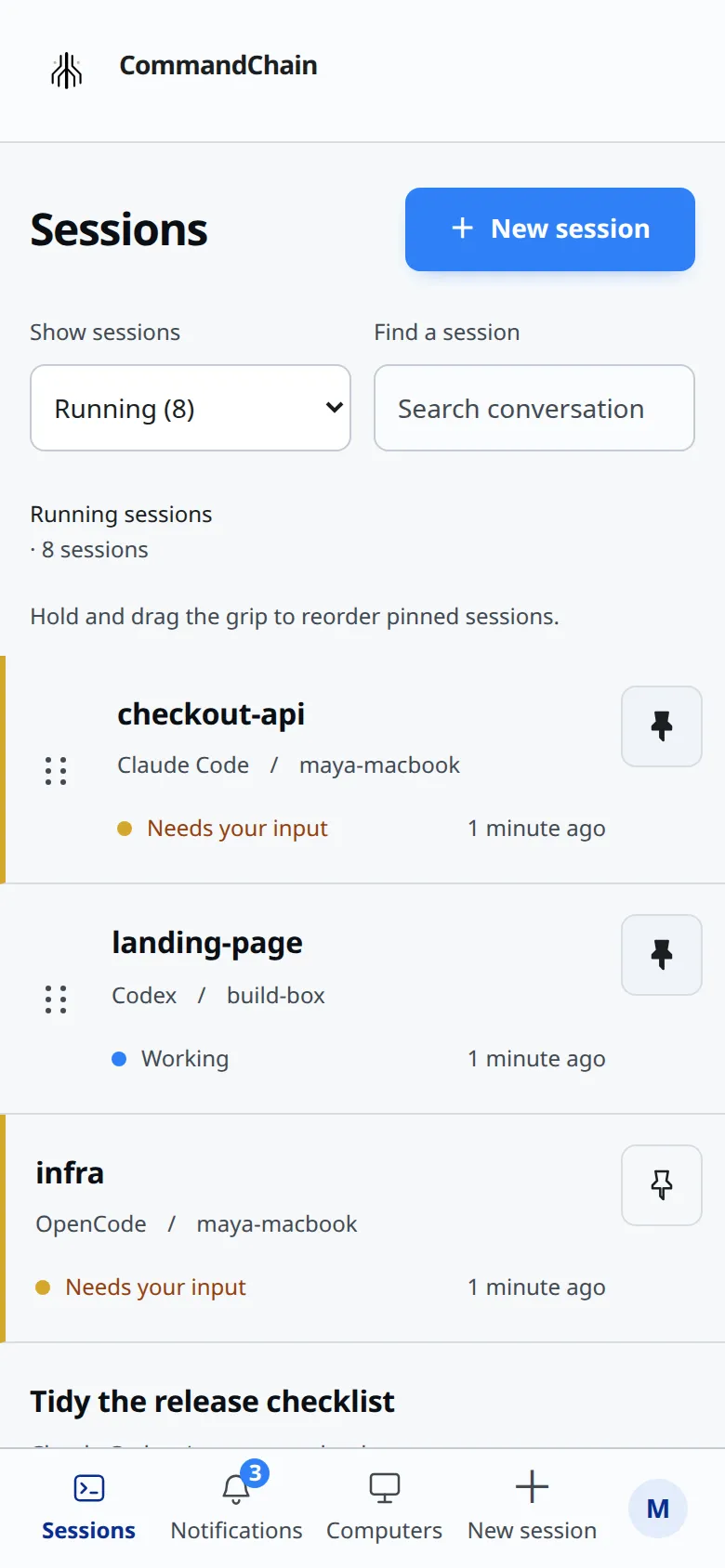
Section titled “What you can do”- See every session on every computer in one list, including sessions you started in your terminal.
- Answer the agent’s questions and approve or deny what it asks to do.
- Send messages and files, from your desk or from your phone.
- Switch the model and the effort level.
- Review the artifacts and previews the agent produces.
- Follow the git status of the project the agent is working in.
- Get notified when an agent needs you.
What it is not
Section titled “What it is not”- Not a hosted agent. CommandChain does not run agents for you. Every agent runs on a computer you connected, with the account you signed in to it with.
- Not a fresh checkout. Sessions run in folders that already exist on your computer. Starting a session does not clone your repository.
- Not a new set of rules. CommandChain adds no restrictions of its own and removes none: the agent’s own permission settings decide what it may do, and the mode you choose changes how it asks.
Where it runs
Section titled “Where it runs”The CommandChain app runs on macOS, Linux and Windows. You use it from any modern browser, on a computer or a phone. Native iOS and Android apps are coming.