

Connect GitHub
Settings → GitHub connects your workspace to a GitHub App installation, which is what lets agents read repositories, push branches, and open pull requests. It needs the manage_integrations permission.
What needs it, and what does not
Section titled “What needs it, and what does not”Worth reading before you install anything, because half the delivery pipeline works without GitHub.
| Stage | Needs the App |
|---|---|
| Cloning a repository a runner can already reach | No |
| Working on a task branch in a runner workspace | No |
| Merging a task branch into a huddle’s working copy | No |
| Browsing a repository’s files in the app | Yes |
| Opening a pull request, reviewing it, and shipping | Yes |
| Checking a pull request against the task’s own criteria | Yes, and the App needs Workflows write access |
| Creating a repository from CommandChain | Yes, and the App needs organization Administration access |
A self-hosted runner with its own git access can do real work with no App installed. The App is what makes the repository visible inside CommandChain, and what makes the release stage possible at all. See coding delivery for where each stage sits.
Install it
Section titled “Install it”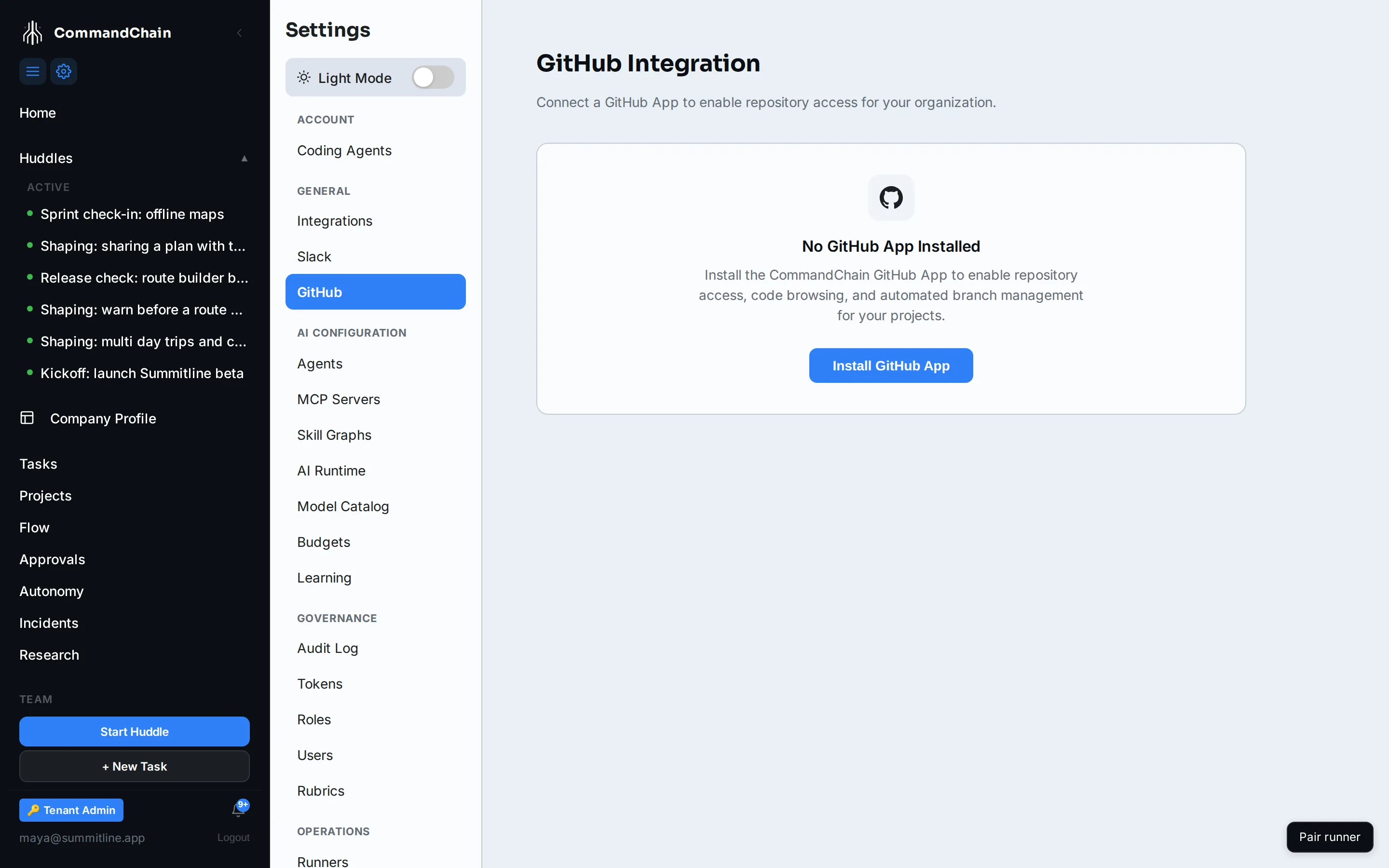
- Open Settings → GitHub. An unconnected workspace shows No GitHub App Installed.
- Click Install GitHub App. You are sent to GitHub to choose where it goes.
- Choose the account or organization that owns the repositories.
- Choose All repositories or Only select repositories. Selecting is the better default: an agent can only reach what you granted.
- Approve. GitHub sends you back, and the page fills in.
Once installed the page shows the account, the installation id, whether access is all or selected repositories, the permissions granted, and the install date. Remove Installation disconnects it, with a confirmation step.
Accepting an updated permission
Section titled “Accepting an updated permission”The App asks for Administration write so that a task which needs a repository nobody has created yet can be unblocked without leaving the product. It is used for that one action and nothing else, only when a person presses the button, and it can never delete anything. See when the repository does not exist yet.
The App asks for Workflows write so that a pull request can be checked against the criteria
its tasks were accepted on. CommandChain writes one file with it,
.github/workflows/commandchain-verify.yml, and only on the working branch the huddle collected
its work on, never on your default branch. CommandChain commits that file itself, with the App’s
own credential: no agent and no runner can write it, because the credential a run is handed never
carries Workflows access. Until an organization owner accepts the permission, the pull request
still opens and still gets its review, with no checks on it, and the Release tab reads
Checks unavailable. See
the checks on the pull request.
An installation created before a permission was added does not receive it automatically. GitHub holds the request and shows the organization’s owners a banner on the installation’s own settings page, and CommandChain cannot accept it for you. The Permissions row on this page lists what the installation currently holds, so it is where you check whether the grant has landed.
To clear it, an organization owner opens the organization’s settings on GitHub, then GitHub Apps, then Configure on this App, and accepts the listed permissions. The full set is shown before they agree.
How repositories stay in sync
Section titled “How repositories stay in sync”The App’s installation token is short lived and minted per call, so access follows the grant rather than a stored key: revoking a repository on GitHub takes effect on the next call rather than at some later refresh.
Webhooks keep the installation record current. Uninstalling on GitHub marks the installation removed here, which is why the page can show a state you did not set from this page.
Next steps
Section titled “Next steps”- Coding delivery: the four stages, and which need this.
- Workspaces and git: what a runner does with a repository once it has one.