

Read and refresh a meeting summary
Every meeting keeps a written summary of what was discussed. It is what you read a week later instead of the transcript, and it is what later work searches when it needs to know what was decided.
Where it lives
Section titled “Where it lives”Open a finished meeting and select Summary in its header. The page has two parts: the written summary, and the tasks the meeting produced.
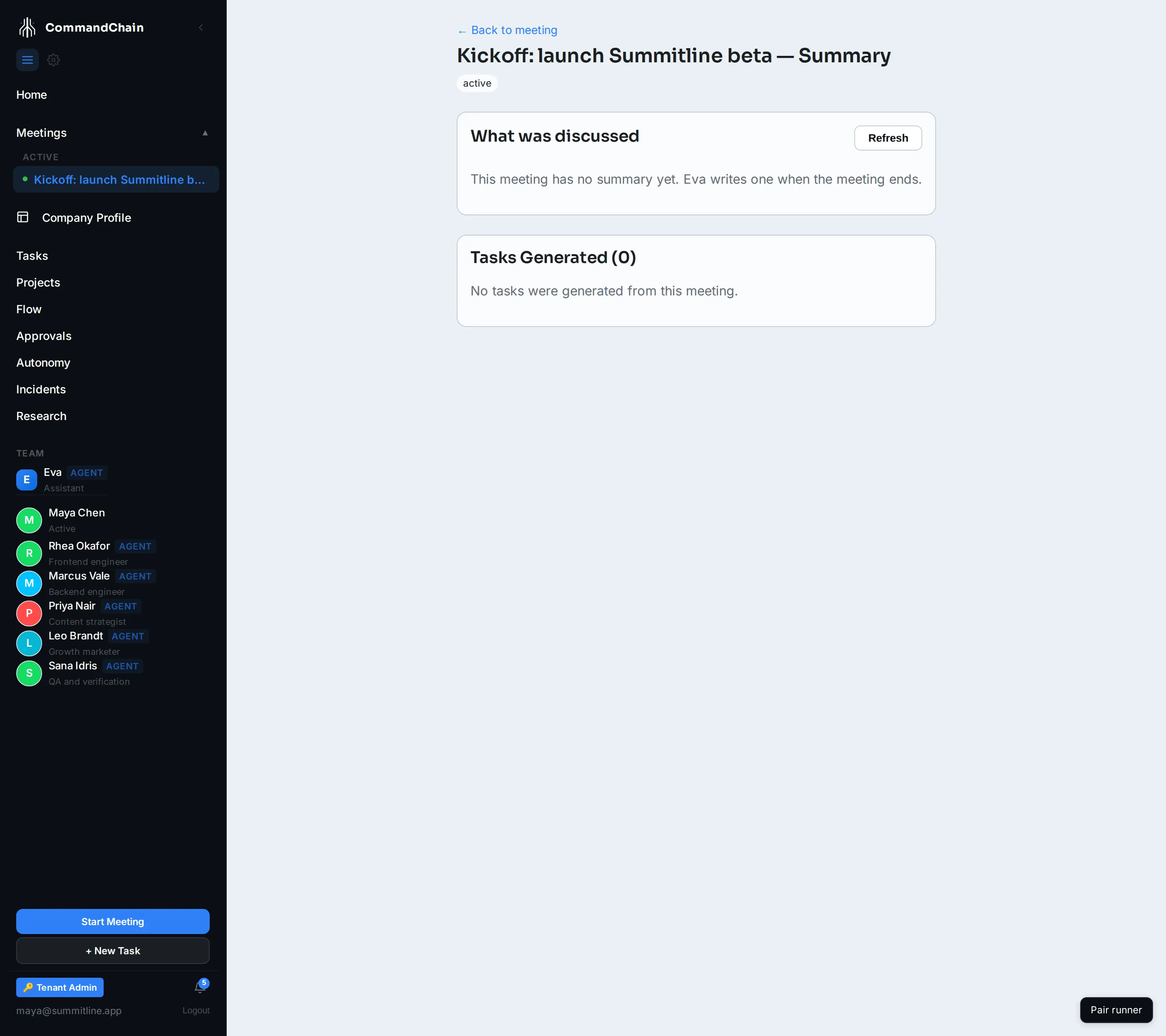
The summary is written in sections rather than as one block, because that is how the conversation went: what the meeting was about, what was decided, what is still open.
When it is written
Section titled “When it is written”Eva writes the summary as the meeting runs and finishes it when the meeting ends. Updated at the top of the section is the timestamp of the last version.
A meeting that has just been created has no summary yet, and the page says so rather than showing an empty box.
Asking for a new one
Section titled “Asking for a new one”Refresh asks Eva to rewrite the summary from the full conversation. Use it after you have corrected the decisions in the state panel, or after a long meeting where the early summary no longer matches how it ended.
The rewrite happens in the background: the page accepts the request, keeps checking, and updates itself when the new summary lands. That usually takes under a minute. If it takes longer, the page says Eva is still working rather than pretending it finished.
Refreshing is limited to the meeting’s host and its approvers.
Auto mode, and what it does to a summary
Section titled “Auto mode, and what it does to a summary”While a meeting is live and has two or more agents besides Eva, the header carries an Auto control. Turning it on lets the agents answer each other for a set number of turns (you choose the cap, from four to twenty) instead of waiting for you after every message.
Be honest with yourself about what that produces. Auto mode is useful for exploring a question you have not framed yet, and it stops on its own when the discussion converges, stalls, drifts off topic, runs out of turns, or has nobody eligible to speak next. What it is not is a substitute for you making decisions: a meeting where you never spoke summarizes as a set of options, because that is all it contains.
The meetings that produce good summaries are the ones where somebody said what was decided, out loud, in the room.
Next steps
Section titled “Next steps”- Proposed tasks: the other half of what a finished meeting produces.
- Topics and intent: the structure the summary is written from.
- Knowledge: where a summary goes after the meeting.